> ## Documentation Index
> Fetch the complete documentation index at: https://docs.usecustory.com/llms.txt
> Use this file to discover all available pages before exploring further.
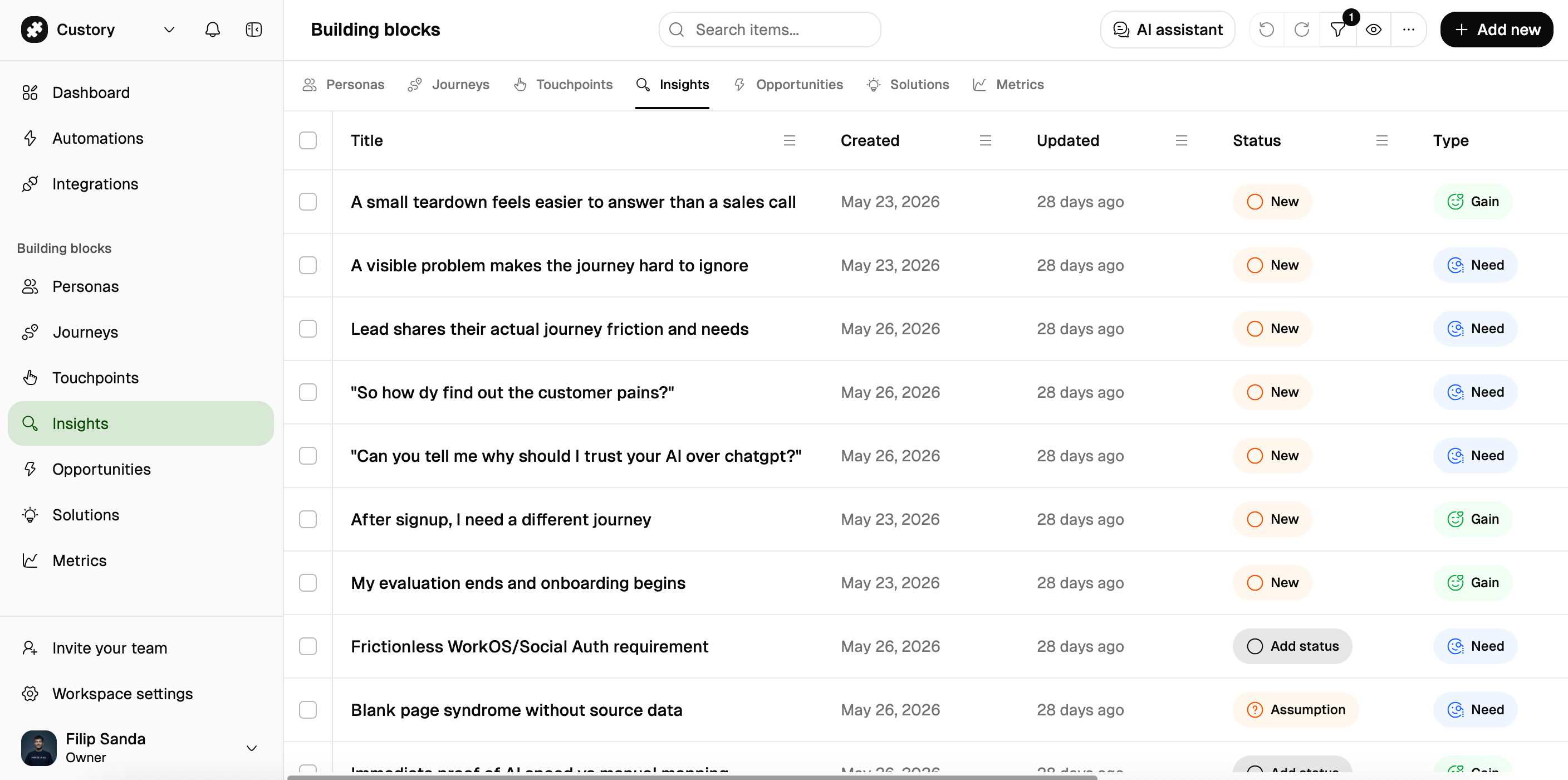
# Blocks repository
> Use the Blocks repository inside the journey editor to add reusable items to journeys and keep one shared source record.
Use the Blocks repository when you want to add the same item to multiple journeys without creating duplicate copies. This page is about the workflow, not the concept.
## What this page helps you do
Use the Blocks repository when you need to:
* keep one reusable item in a single place
* attach the same item to more than one journey
* update the shared record once and have the change show up everywhere it is used
* review the shared library before adding items to a journey
## How it works
You create or open the reusable record in the repository, then attach it to the journeys that need it.
```mermaid theme={null}
flowchart LR
B["Blocks repository
One shared record"] --> J1["Journey 1
Attached placement"]
B --> J2["Journey 2
Attached placement"]
B --> J3["Journey 3
Attached placement"]
```
The key idea is simple: the repository keeps the source record, and each journey gets a placement that points back to it.
## When to use it
Move an item into the Blocks repository when:
* the same touchpoint appears in more than one journey
* the same insight keeps showing up in different flows
* one solution or metric should stay consistent across journeys
* the team needs one stable record instead of several copies
Keep the item local when it only matters in one journey.
## Common actions
| Action | What happens |
| -------------------------- | ------------------------------------------------------------------------------- |
| Create a repository item | Custory creates one shared source record in Building blocks. |
| Link an existing item | Custory attaches the same record to a journey step without copying it. |
| Edit the repository record | Every attached journey placement reflects the updated source record. |
| Remove from a journey | Custory removes only that placement. The source record stays in the repository. |
| Delete from repository | Custory removes the shared record from the workspace. |
## Example
Your team sees `Workspace invite email` in onboarding and in trial-to-paid.
Instead of creating two separate items, you keep one record in the Blocks repository and attach it to both journeys. If the copy changes, you update one record and both maps stay aligned.
## What good looks like
A good repository setup usually has:
* one source record for each shared item
* obvious naming so the same item is easy to find again
* few duplicates
* journeys that point back to the canonical record instead of drifting apart
## Next step
Read [Building blocks](/building-blocks) for the concept behind reusable records, or go to [Journey editor](/journey-editor) to see how repository items sit inside a live journey.