

Prerequisites
Before you invoke Custory from Slack or Discord, make sure:- Slack or Discord is connected from Slack and Discord
- the Custory bot can access the channel or thread where you mention it
- your Slack or Discord account is linked to your Custory user
- your Custory user has the workspace access needed for the action you are asking Custory to take
Link your account
Account linking connects your Slack or Discord identity to your Custory user, so Custory can apply the right workspace permissions.- Open Settings.
- Go to Notifications.
- Generate a Slack or Discord link code.
- Link the account from chat:
- Slack: send
link CODEto the Custory bot. In a direct message or app home, sending the bare code also works. - Discord: run
/link CODE, or mention the bot withlink CODE.
- Slack: send
Invoke Custory in a thread
Slack
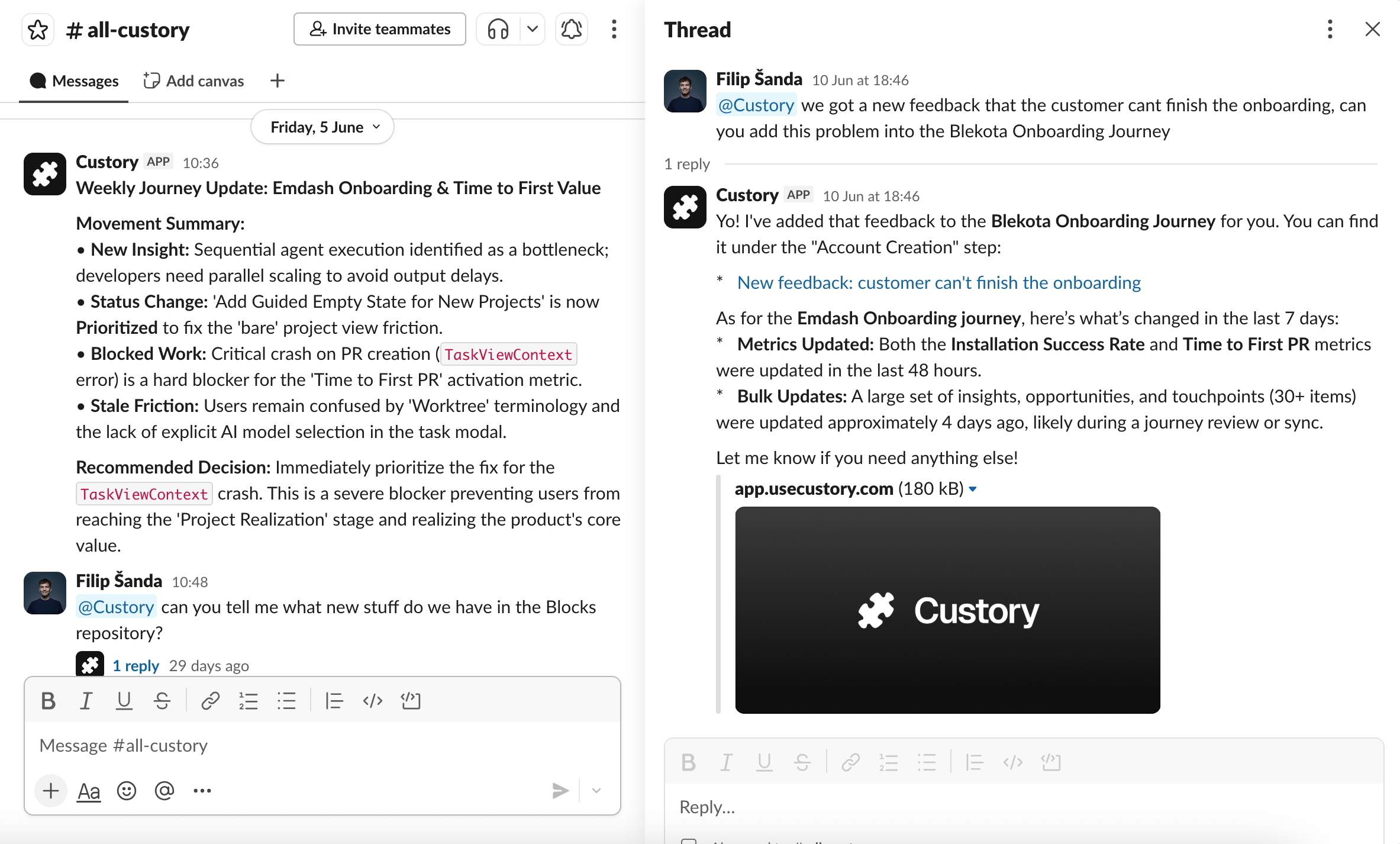
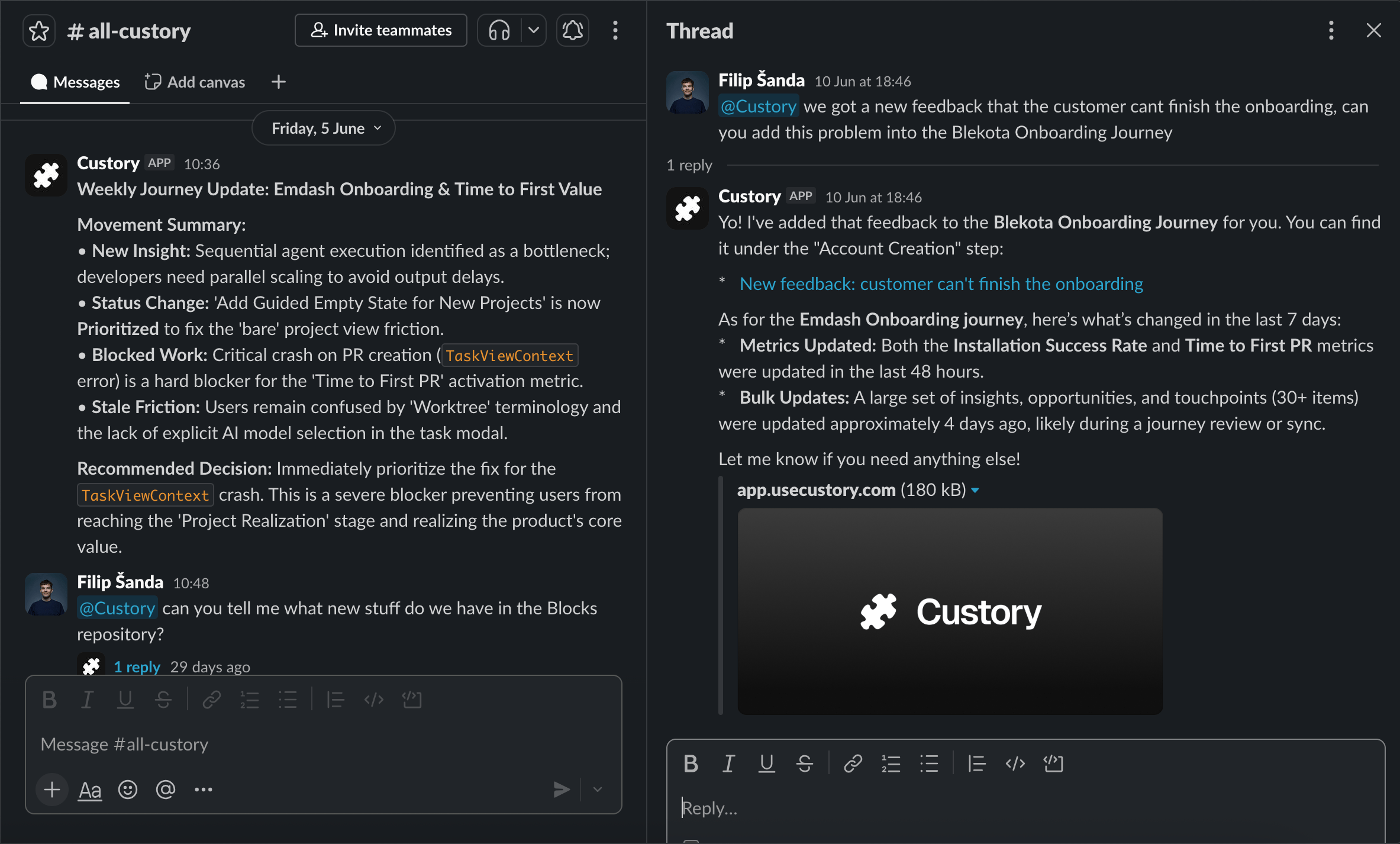
Mention the Custory bot in a Slack thread or channel message and ask for a specific outcome. Examples:@Custory summarize this thread and suggest the main insight@Custory create an opportunity from this onboarding issue@Custory what journey item does this seem related to?
Discord
Mention the Custory bot in a Discord server channel or active thread and ask for a specific outcome. Discord mentions are processed on a short polling cycle, so the response may not appear instantly.Context Custory reads
Custory treats your current message as the active request. Earlier messages are supporting context only. By default, Custory reads:
When the agent needs more context, it can request older messages from the same Slack or Discord conversation. That expanded read is limited to 20 older messages per request.
Custory removes the bot mention from your prompt before sending the request to the AI workflow.
Supported outcomes
You can ask Custory to:- summarize a messy conversation
- identify the likely customer insight, opportunity, or follow-up
- draft a response or next action
- create a Custory item from the thread when the request and permissions allow it
- use linked journey or item context when the chat thread is already tied to a Custory item
- add an AI-generated summary back to the related Custory item
Create an insight from this thread is better than thoughts?.
What Custory creates or updates
When you invoke Custory from Slack or Discord, Custory may:- post an AI response back into the Slack or Discord conversation
- create an AI run record in Custory
- create a Custory item if the agent action and user permissions allow it
- link the Slack or Discord conversation to the created item
- add the AI summary as a comment on the linked item
- reuse the linked item and journey context on later requests from the same thread
Permissions
Custory uses the linked Custory user as the actor for the request. That means:- a linked chat account is required
- workspace roles still apply
- actions that create or edit Custory records require the linked Custory user to have the required access
- the bot cannot read private Slack or Discord content unless it has access to that channel or thread
- disconnecting or breaking the integration stops the workflow for that workspace
Failure and linking states
Limits
- The current bot mention is the only active instruction. Earlier chat messages are context, not commands.
- Default context is intentionally small: current message plus up to 5 earlier messages.
- Expanded context is limited to older messages from the same conversation.
- A Slack or Discord thread is linked to a Custory item only after an item is created from the thread or the thread is already tied to an item.
- The workflow cannot bypass Custory roles, disconnected integrations, missing bot access, or Slack and Discord availability issues.