Documentation Index

Fetch the complete documentation index at: https://docs.usecustory.com/llms.txt

Use this file to discover all available pages before exploring further.

External tasks are how journey work moves into execution. Custory is not trying to replace your delivery tool. It is trying to make sure the customer reason, journey context, and implementation state stay connected instead of drifting apart.

Supported platforms

Custory supports linked task workflows with:
  • GitHub
  • Jira
  • Linear
  • Notion
These links are useful whether the task was created manually from an item or generated through an automation.

What linked tasks are for

Use linked tasks when an item needs real follow-through outside Custory. Common examples:
  • An opportunity becomes a Linear issue
  • A solution becomes a Jira ticket
  • A customer-facing bug becomes a GitHub issue
  • A content or process follow-up becomes a Notion item

Why linked tasks matter

The handoff from customer context to delivery is where many teams lose fidelity. The pattern usually looks like this:
  1. The team identifies a real problem
  2. Someone creates a task elsewhere
  3. The delivery work gets renamed, reframed, or reprioritized
  4. The original context disappears
Custory reduces that drift by keeping the task tied back to the item it came from.

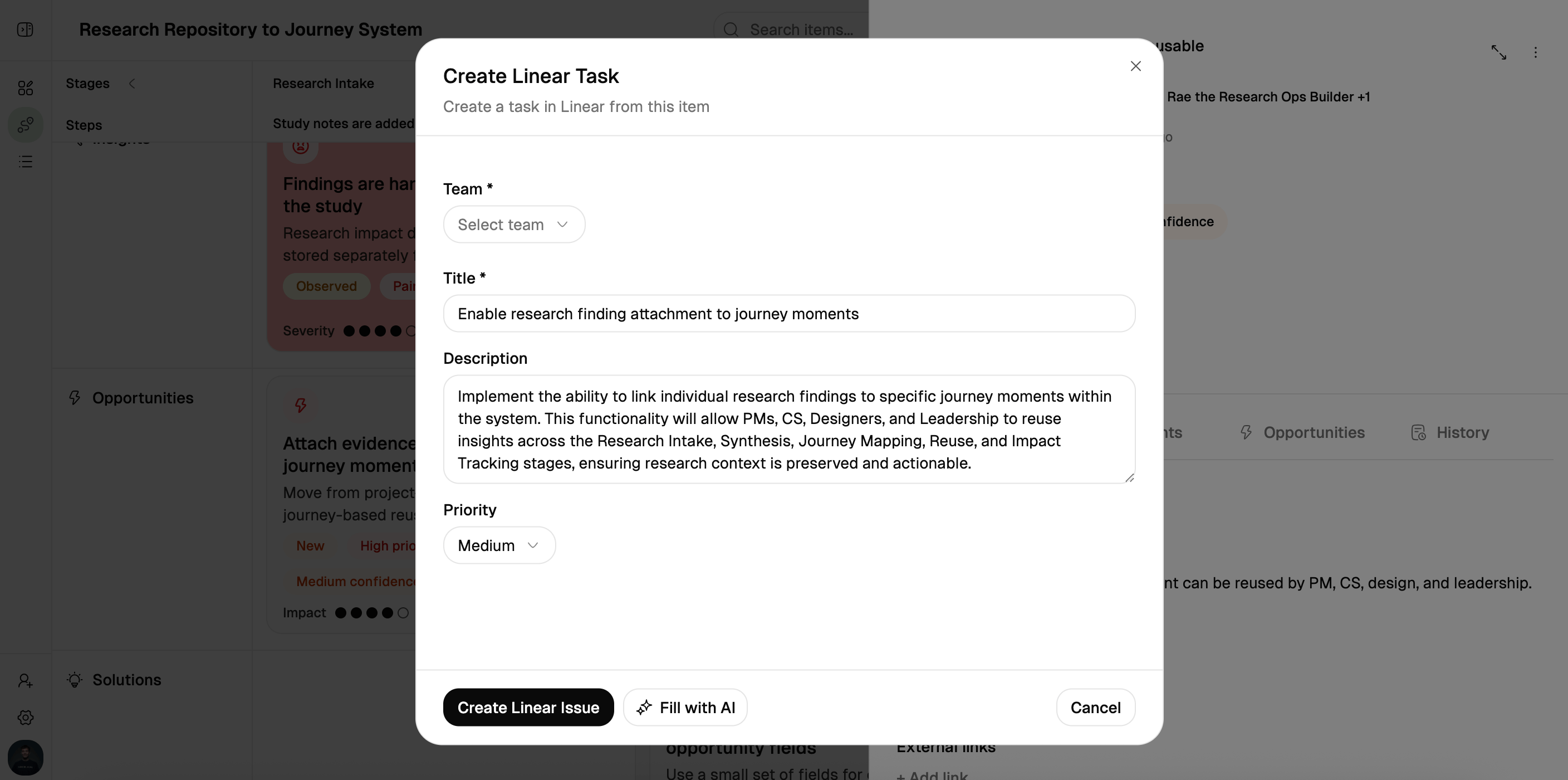
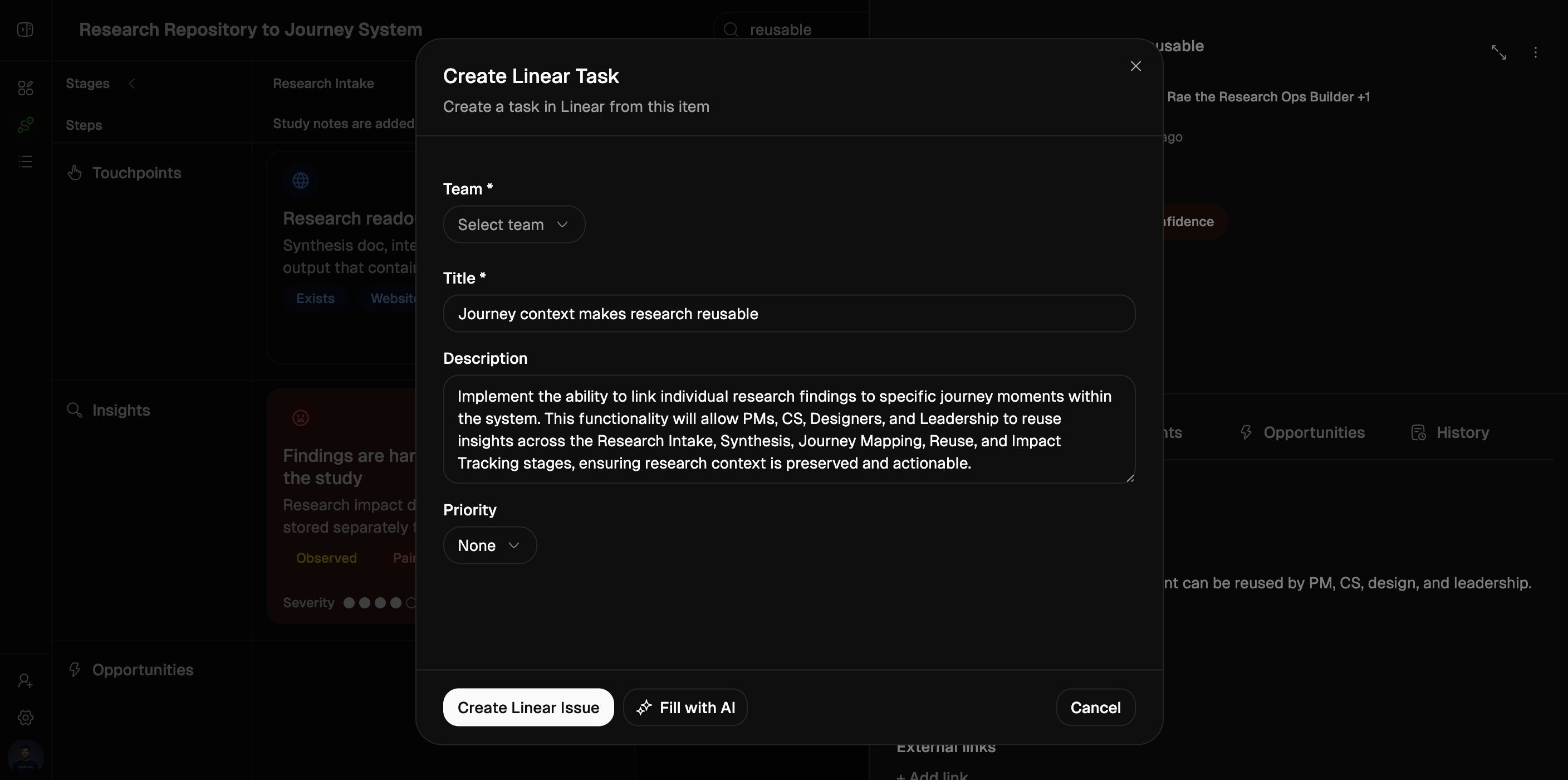
Creating a linked task from an item

From an item, you can create a task in a supported external system. The workflow is strongest when:
  • The item already has a clear title and description
  • The right integration is connected
  • The journey has integration defaults where relevant
Depending on the platform, Custory can prefill creation context such as:
  • GitHub repository
  • Jira project and issue type
  • Linear team
  • Notion database
Those defaults are especially helpful for smaller teams that want consistent routing without extra setup every time.

Journey-level integration defaults

Custory supports per-journey defaults for task destinations. That means a journey can remember the most likely external target, such as:
  • The default GitHub repo for this product area
  • The Jira project for this workflow
  • The Linear team that owns this surface
  • The Notion database used for this operational stream
See Journey settings for setup guidance.

What stays visible after linking

Once a task is linked, the item can continue to show delivery context such as:
  • External task title
  • External task status
  • Direct link back to the source tool
This helps the team review implementation progress without leaving the journey every time.

Sync behavior

Custory keeps linked task details more current over time. Current sync coverage includes:
  • Title sync
  • Status sync
This works across GitHub, Jira, Linear, and Notion so the item stays closer to the current reality of the delivery system.

Notifications about external changes

When linked work changes outside Custory, the relevant people can be notified about important updates such as:
  • Status changes
  • Title changes
This is valuable when founders or PMs are stewarding journey quality but do not want to poll delivery tools manually just to see what moved.

How to use linked tasks well

Create the task from the item when possible

That gives the best chance that the original customer context travels with the work from the beginning.

Keep the item current even after handoff

A linked task does not make the item obsolete. The item still holds the customer reasoning, related evidence, linked items, and outcome context.

Use the item for the why, and the external tool for the how

Custory should hold:
  • The customer problem
  • The evidence
  • The linked opportunity or solution
  • The metric or expected outcome
Your delivery tool should hold:
  • Execution detail
  • Technical implementation
  • Delivery coordination

Best platform use cases

GitHub

Best when the work maps directly to engineering execution and code-facing follow-up.

Jira

Best when the team already runs delivery through project and issue-type structure.

Linear

Best for lean product teams that want fast issue creation and ownership routing.

Notion

Best for operational follow-up, content work, or lighter-weight non-engineering execution.

Common mistakes

Creating the task with no item detail

A thin item usually becomes a thin task. Add enough description first so the handoff is clear.

Letting the external title drift silently

If the task changes scope, Custory can reflect the title change. Use that updated context during reviews instead of assuming the original wording is still true.

Treating linked tasks as proof of progress

A linked issue only proves the work was created. Review the status, comments, and linked metric to understand whether the customer problem is actually moving.