What you will build
This walkthrough shows how to build a realistic first journey in Custory. We will use a common startup scenario: trial to paid That journey is usually specific enough to be useful and important enough to matter quickly.Why this gives teams value fast
A strong first journey gives your team one place to answer the questions that usually stay scattered:- where customers lose momentum
- what evidence supports that belief
- what deserves attention first
- whether the change improved the outcome you care about
When this walkthrough is the right fit
Use this walkthrough if:- you are new to customer journey mapping
- your team just signed up for Custory
- trial conversion or activation feels unclear
- you want one concrete example before mapping other journeys
Before you start
You do not need a finished map. You do need:- one flow worth tracking
- one person who will keep it current
- enough evidence to make a rough first pass
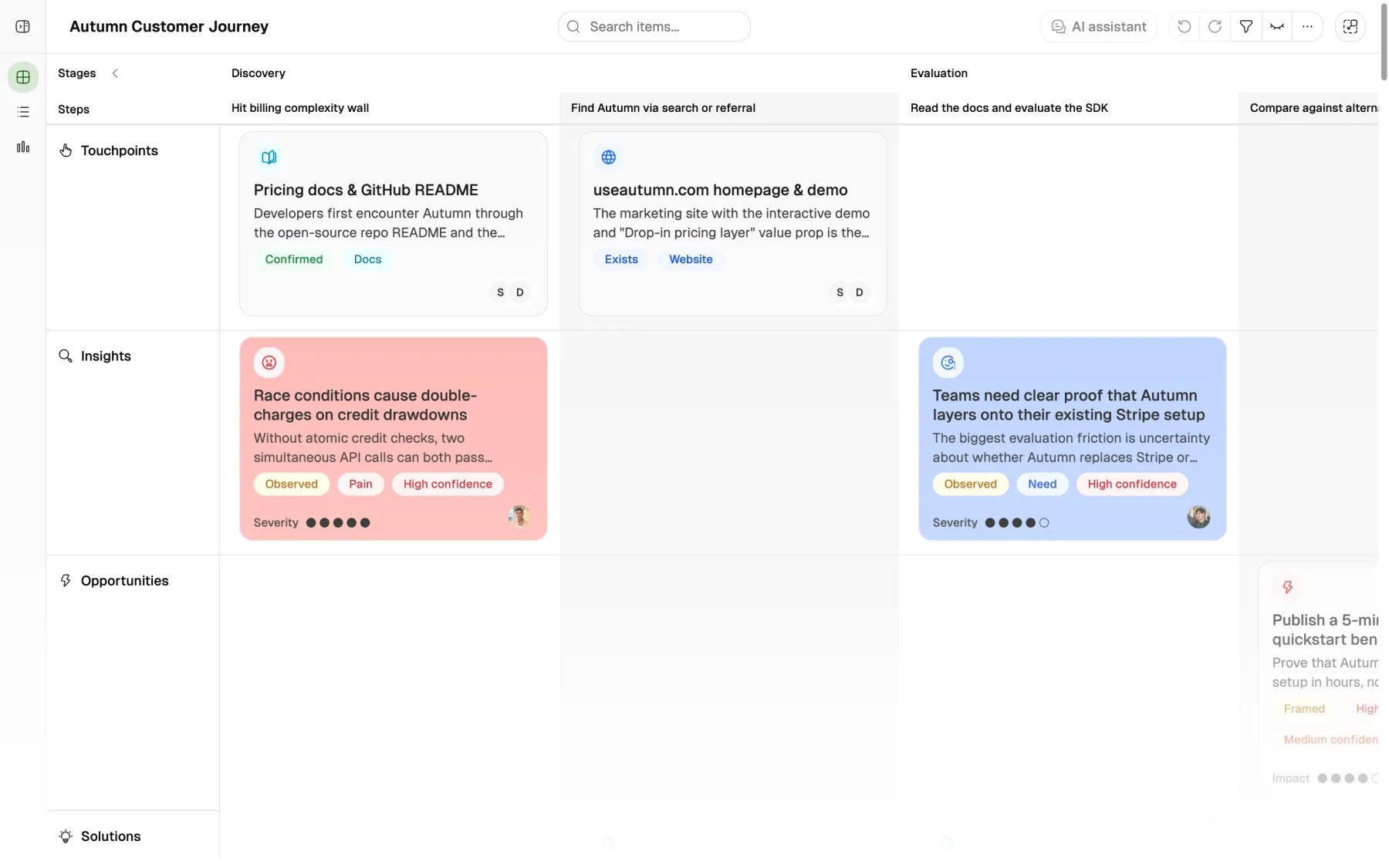
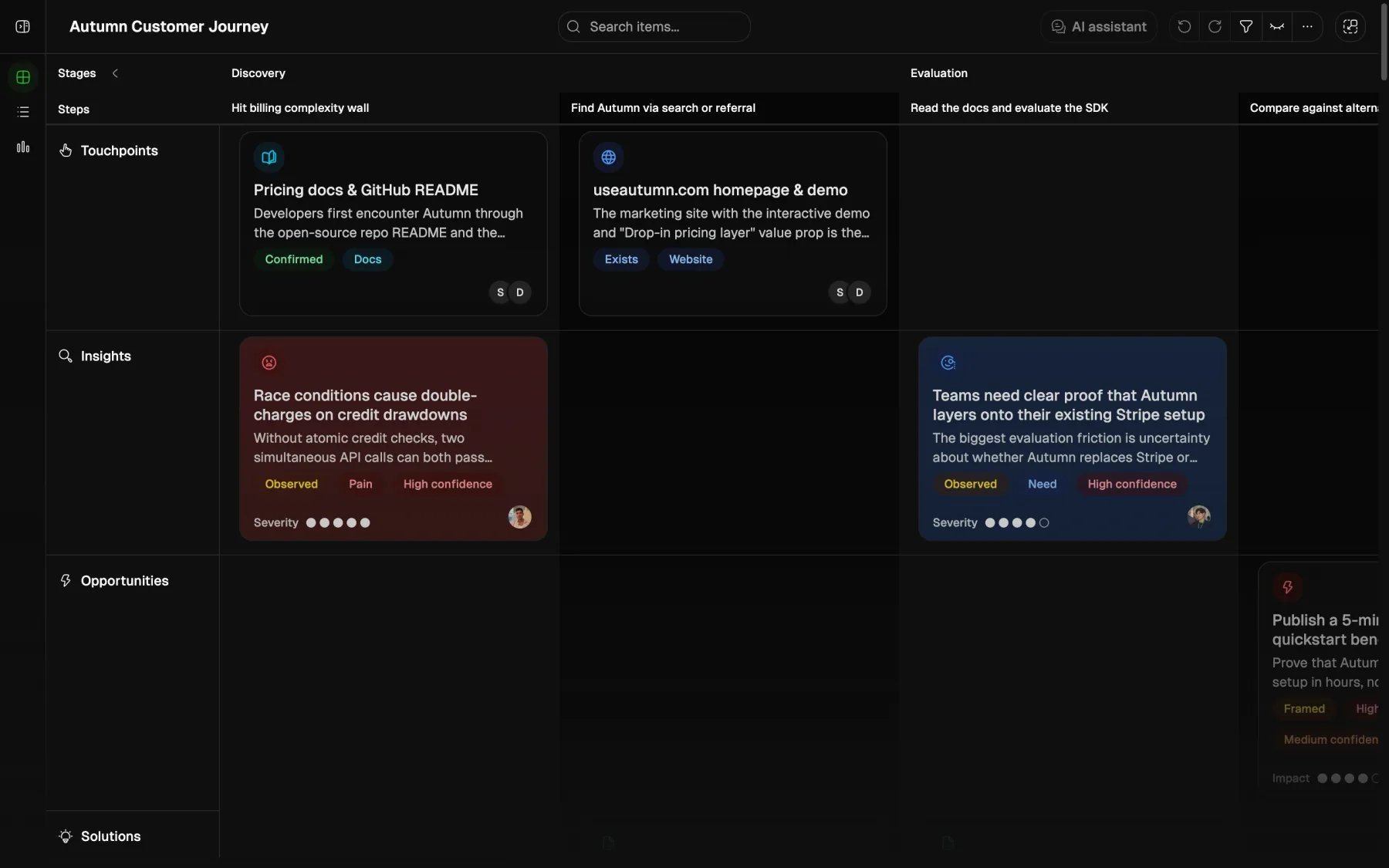
Add screenshot of the journey editor with stages, steps, and item creation entry point here
Build the journey step by step
Define the job of the journey
Before you create anything, write down what decision this journey should help your team make. Example:
We want to understand where trial users lose momentum before they become paying customers.Open the starting draft in the editor
Start from the AI-imported draft, template, or blank journey you chose during Quickstart. The job here is no longer setup. The job is to shape the journey into something the team can actually use.
Add the major stages
Keep the first structure simple and readable so the team can react to it quickly.
Add specific customer steps
Write the moments from the customer’s point of view instead of using internal team labels.
Add the first useful items
Turn the map into something the team can use by attaching touchpoints, insights, opportunities, solutions, and metrics.
Add the major stages
Keep the first structure simple. A good stage set for this journey might be:- Discovery
- Evaluation
- Trial signup
- Setup
- First value
- Upgrade decision
Add specific customer steps
Inside each stage, add the moments that matter. Examples:Discovery
- Customer hears about Custory from a peer
- Customer visits the website
Evaluation
- Customer reads the pricing page
- Customer compares plans
Trial signup
- Customer starts a trial
- Customer confirms email
Setup
- Customer creates workspace
- Customer connects Slack
- Customer invites teammate
First value
- Customer maps the first journey
- Customer adds the first evidence
Upgrade decision
- Customer reviews value with the team
- Customer chooses whether to pay
Add the first useful items
Now turn the map into something the team can use. Add a few high-signal items:Touchpoints
- Pricing page
- Trial signup form
- Slack connection flow
- Invite email
Insights
- Founders understand the value proposition but not what to map first
- Non-technical admins stall before the first integration
- Teams that invite a teammate in the first session are more likely to continue
Opportunities
- Reduce uncertainty before trial signup
- Shorten time to first mapped journey
- Make team invite feel safer and clearer
Solutions
- Add a stronger quickstart checklist
- Rewrite setup guidance
- Improve invite copy
Metrics
- Trial-to-paid conversion
- Median time to first journey created
- Invite completion rate
Link the evidence
Connect items so the logic stays visible. Example chain:- Touchpoint: pricing page
- Insight: plan differences feel unclear to smaller teams
- Opportunity: reduce pricing confusion before signup
- Solution: simplify the comparison section
- Metric: trial signup conversion
Invite the smallest useful group
For the first journey, invite only the people who will actually maintain it. By this point, the map should already be understandable enough that an editor can open it and know what flow it covers. Good first editors:- founder or product lead
- support lead
- one engineering or product partner
Review it in a real meeting
The journey becomes valuable when the team uses it. A good first review looks like this:- Walk the journey from left to right
- Ask where the biggest friction appears
- Check which points have real evidence
- Turn one or two important insights into opportunities
- Decide one next action
From mapping to shipping
Once the journey has clear steps, a few strong items, and enough evidence to support a decision, use it to choose the first problem worth acting on. Read From mapping to shipping for the full workflow.Avoid these traps
Starting with every lifecycle stage
Map one important flow first. A focused first journey is much more likely to lead to an early win.
Writing internal labels instead of customer moments
Use language like
Customer connects Slack, not Activation workstream. Clear customer language makes the journey easier to use in real decisions.Filling the map with unlinked notes
Filling the map with unlinked notes
Items are more useful when the evidence-to-action chain is visible. A smaller well-linked map beats a larger disconnected one.
Treating the first version like the final version
The journey should improve as the team learns more.
What a good first journey looks like
Your first journey is good enough when:- the stages are clear
- the steps are written from the customer’s perspective
- a few high-signal items are attached
- the team can see what to improve next
- at least one metric can tell whether things got better