

What the editor includes
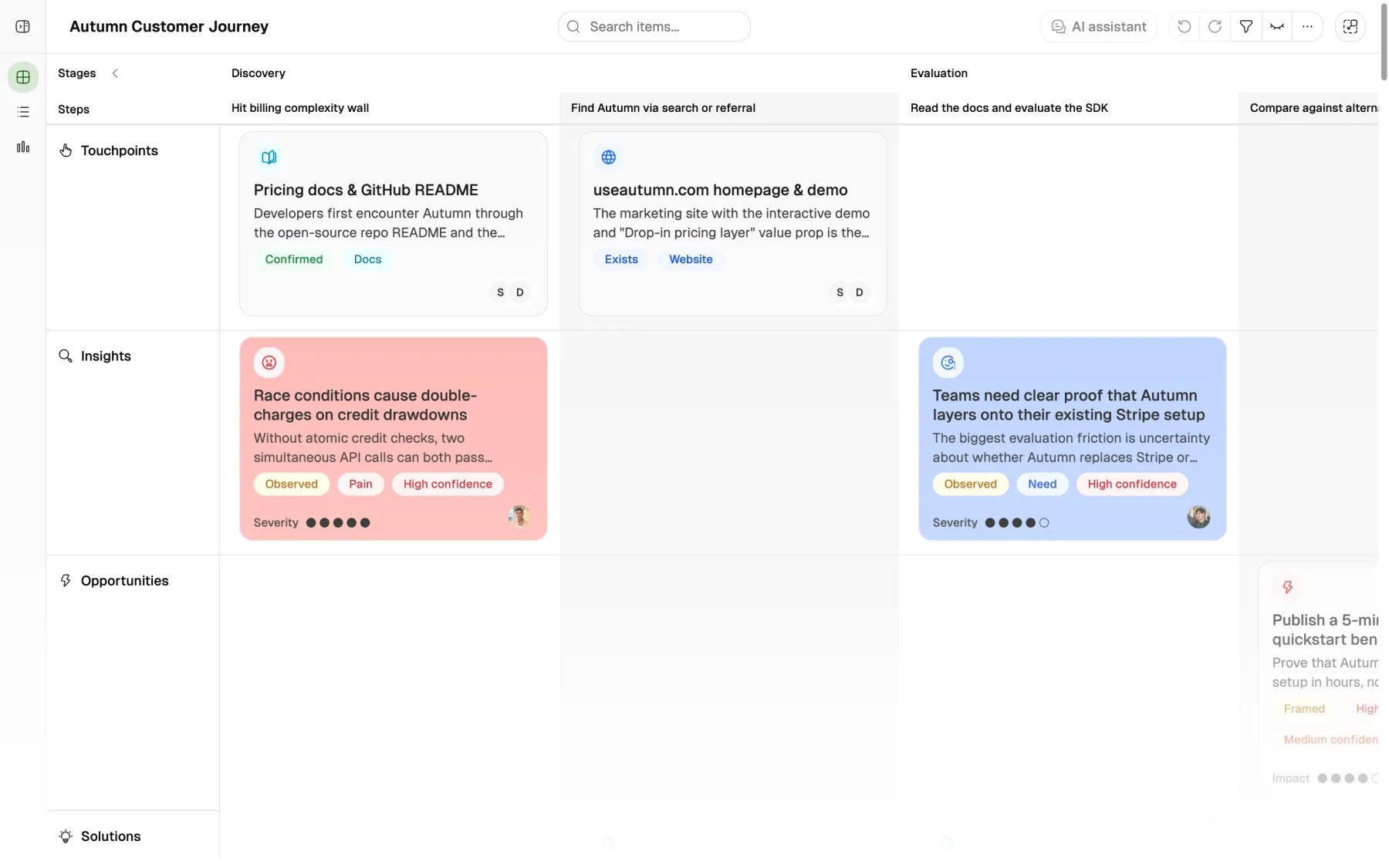
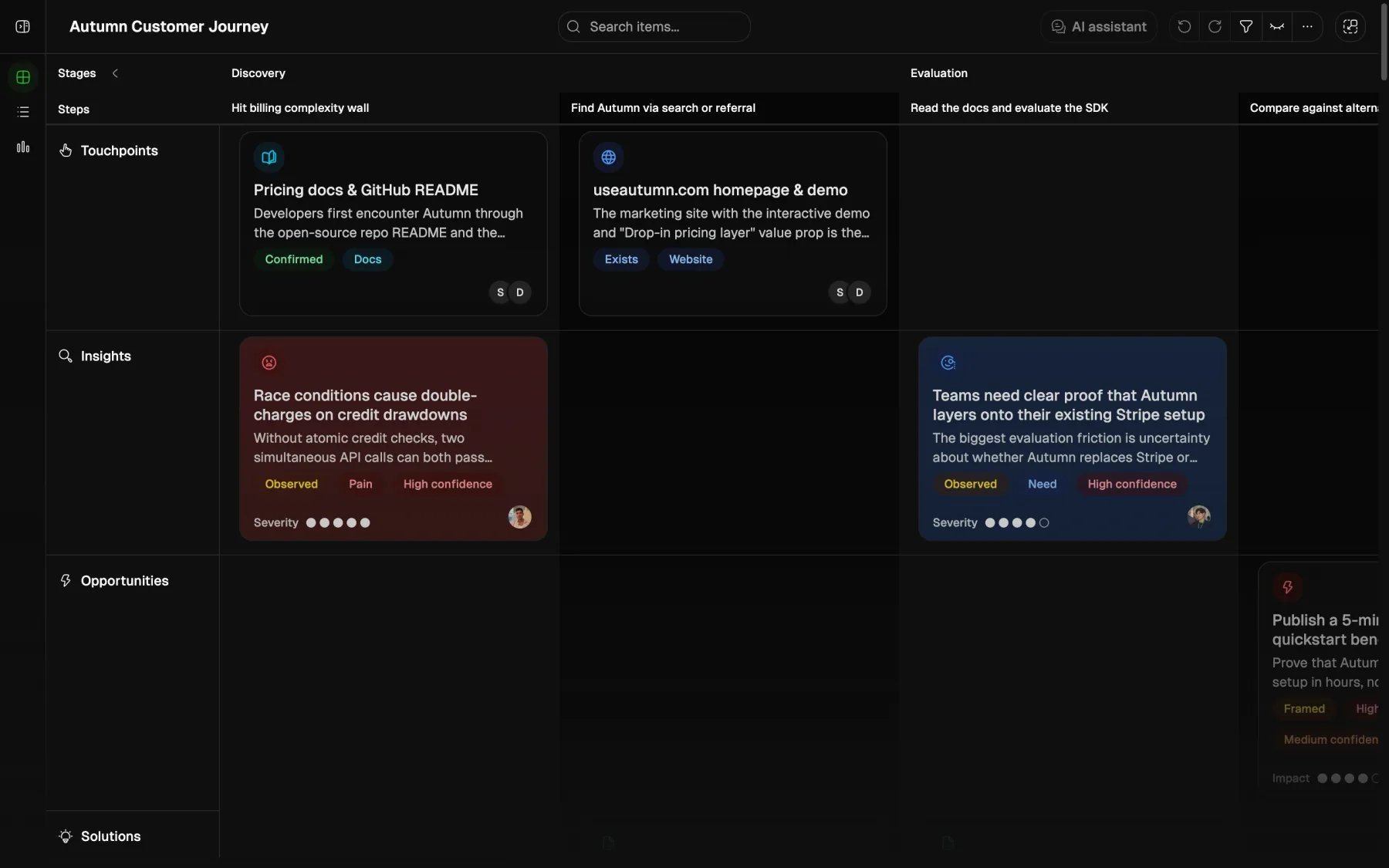
The journey editor combines:- the journey canvas
- stage and step structure
- item group and persona tabs
- search and filters
- visible property controls
- the AI assistant
- journey actions such as settings, version history, export, duplicate, and delete
Views and tabs
Use the tabs to narrow the editor to one item group or to personas. Then choose the view that fits the job.
Touchpoints and metrics can also use a card-style grid layout instead of the stage canvas when you switch those tabs into grid view.
Search
Search starts with keyword matching and adds semantic matches after a short delay for journey queries with at least two characters. In table view, keyword search can match:- item title
- item description
- item type and property values
- owner names
- item status
- stage name
- step name
Filters
Filters narrow the current editor surface. They do not change the underlying journey. You can filter by fields such as:- group
- status
- owner
- priority
- impact
- effort
- created date
- updated date
AND logic. An item stays visible only if it matches every active condition.
Visible properties
Visible properties change which fields appear in the current editor view. They do not change item data. Use them to reduce noise during a specific review. For example:- show owner and status during cleanup
- show impact and effort during prioritization
- show metric fields during KPI review
Saved browser preferences
Custory saves some editor preferences in your browser:- the last editor view mode
- filters for each journey
- visible properties for each journey
- visible grid lanes for each journey
Command menu and toolbar actions
PressCmd+K or Ctrl+K to open the command menu.
The command menu can:
- open a matching item
- add a new item
- open AI chat
- open guide mode
- search
- filters
- visible property controls
- undo and redo
- the AI assistant
Journey actions
Open the toolbar Settings menu for journey-level actions.Permissions and collaboration
Owners and editors can change the journey. Viewers can review it but cannot use edit actions. In a normal workspace journey, the editor can also show:- teammate presence avatars
- live cursor cues
- item comments