

When templates are the right starting point
Templates work best when:- you want a first draft quickly
- the team is still learning how to structure journeys
- you know the kind of problem you are mapping, but you do not have one strong source to import yet
When not to use a template
Skip templates when:- you already have one source that clearly explains the journey
- the flow is highly specific to your product
- you want to map a narrow edge case from real evidence first
How to start from a template
From the dashboard:- Open the journey creation flow.
- Choose Use a template.
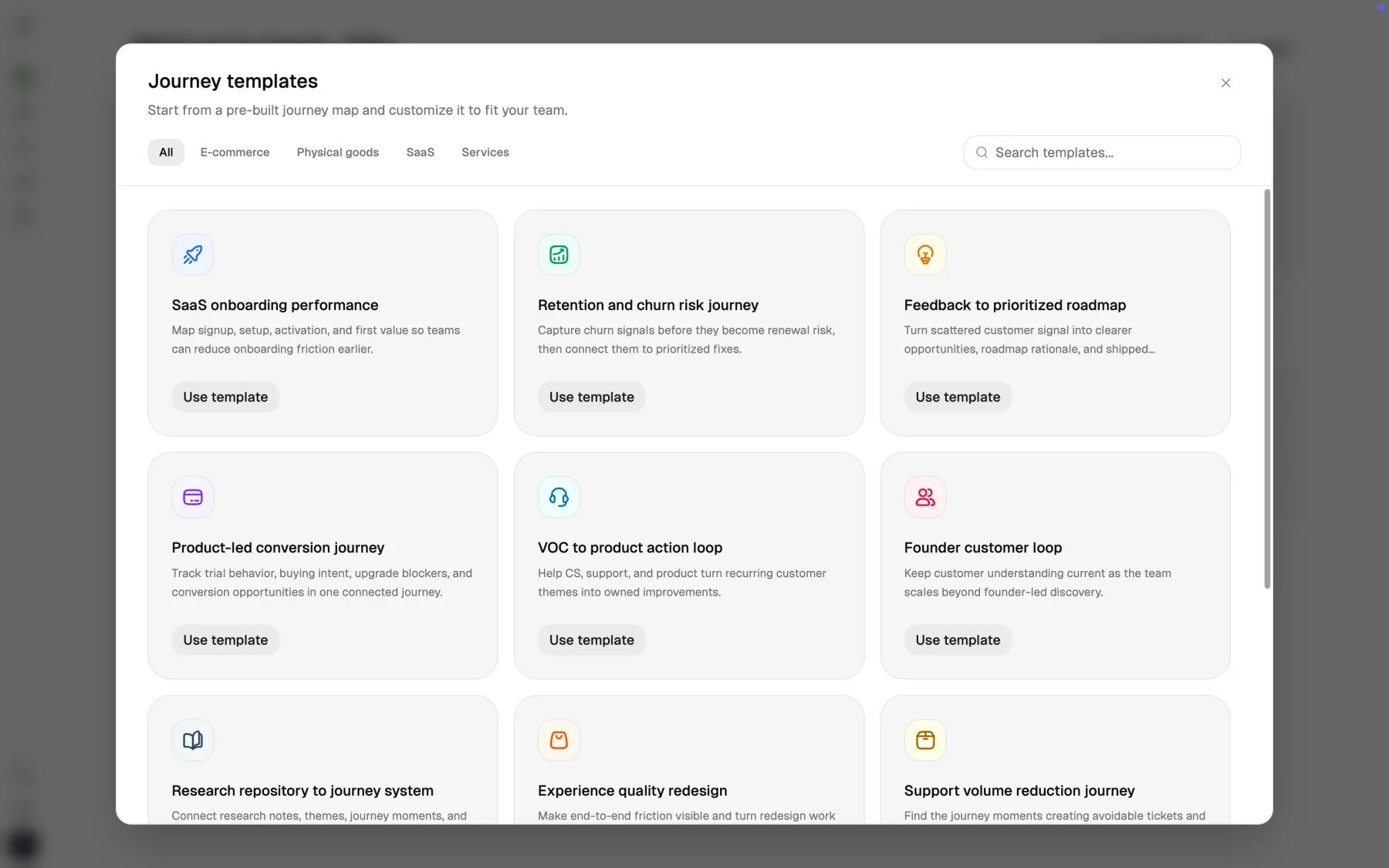
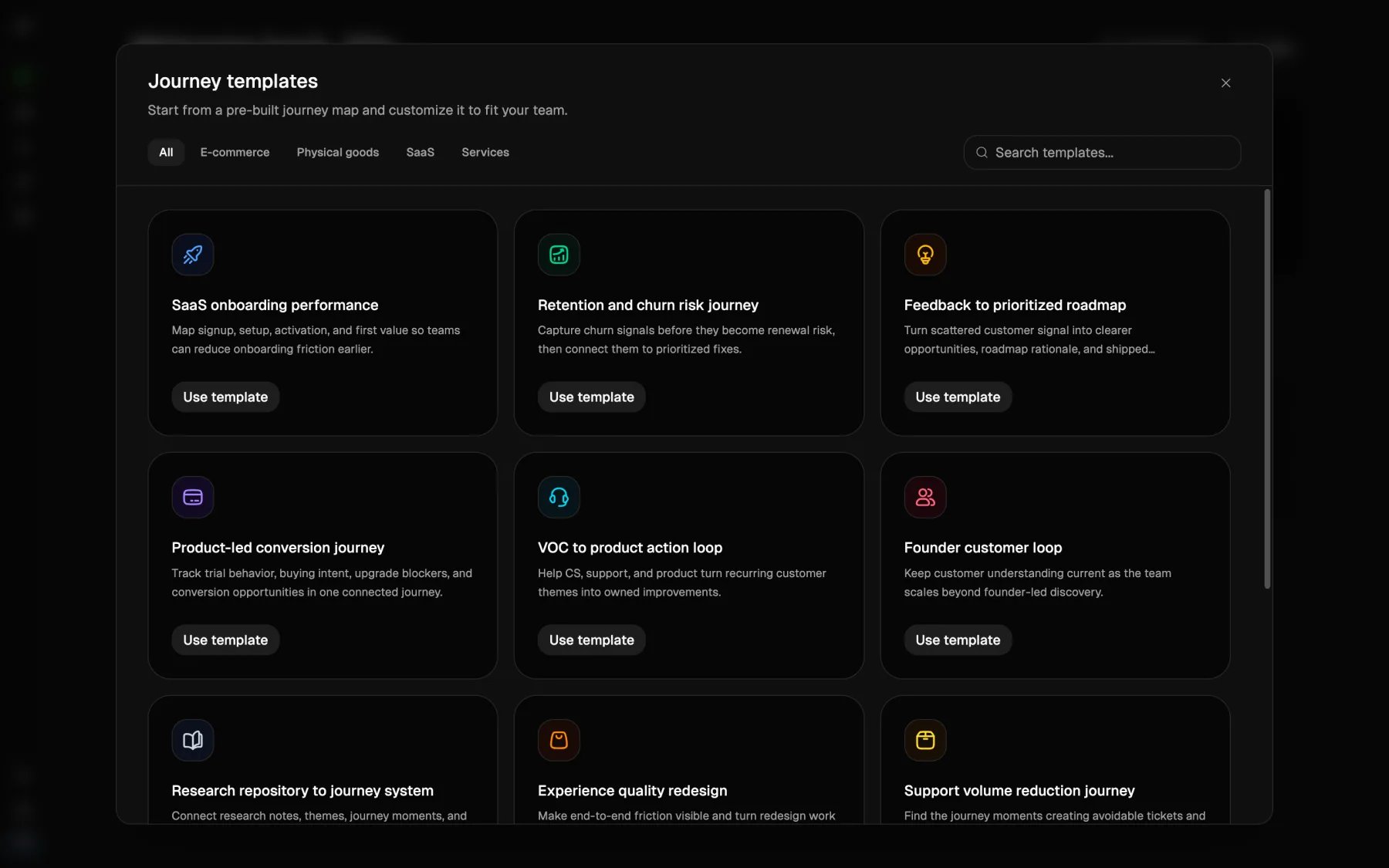
- Review the template library.
- Pick the closest match.
- Open the new journey and edit it immediately.
Current template library
Custory currently includes templates such as:- Customer discovery and JTBD validation Best when interviews and discovery themes need structure.
- Sales-led evaluation journey Best when demos, objections, and buying committees shape the flow.
- Implementation and team launch Best when first value depends on rollout and internal adoption.
- SaaS onboarding performance Best when signup, setup, activation, and first value are the main path.
- Retention and churn risk journey Best when the team needs earlier visibility into renewal risk.
- Feedback to prioritized roadmap Best when customer evidence is scattered and prioritization is weak.
- Product-led conversion journey Best when trial behavior, upgrade friction, and buying intent matter most.
- VOC to product action loop Best when support, CS, and product need one shared follow-through path.
- Founder customer loop Best when early customer learning needs to become a repeatable team habit.
- Research repository to journey system Best when good source material already exists across docs and boards.
- Experience quality redesign Best when redesign work needs to stay tied to real customer friction.
- Support volume reduction journey Best when the team wants to connect repeat support demand to product fixes.
- Expansion and account growth journey Best when adoption and expansion signals need to be visible together.
- Cancellation and win-back journey Best when the team needs to understand cancellation intent and save paths.
- Advocacy and referral loop Best when reviews, referrals, and customer advocacy should become repeatable.
How to choose the right template
Pick the template that matches the decision you need to make, not just the industry label. Ask:- What decision should this journey help us make?
- Which customer motion are we trying to understand?
- Which team will actually review this map every week?
What to change first
Before you invite the rest of the team into the journey:- Rename it in your own product language.
- Remove stages that do not apply.
- Rewrite vague steps from the customer’s point of view.
- Add the first real items and evidence.
- Link the right persona if one matters.
A practical first-week pattern
For many small teams, a good pattern is:- start from a template
- spend 20 to 30 minutes trimming it
- add 5 to 10 real items from support, product, or customer calls
- run the first team review from that version
Template mistakes to avoid
Treating the template as the final answer
Treating the template as the final answer
Templates save time at the start. They do not replace product judgment.
Keeping irrelevant stages because the page looks more complete
Keeping irrelevant stages because the page looks more complete
Delete sections that do not help your team make decisions.
Picking the broadest template available
Picking the broadest template available
The closer the template is to the real problem, the less cleanup you will need.