

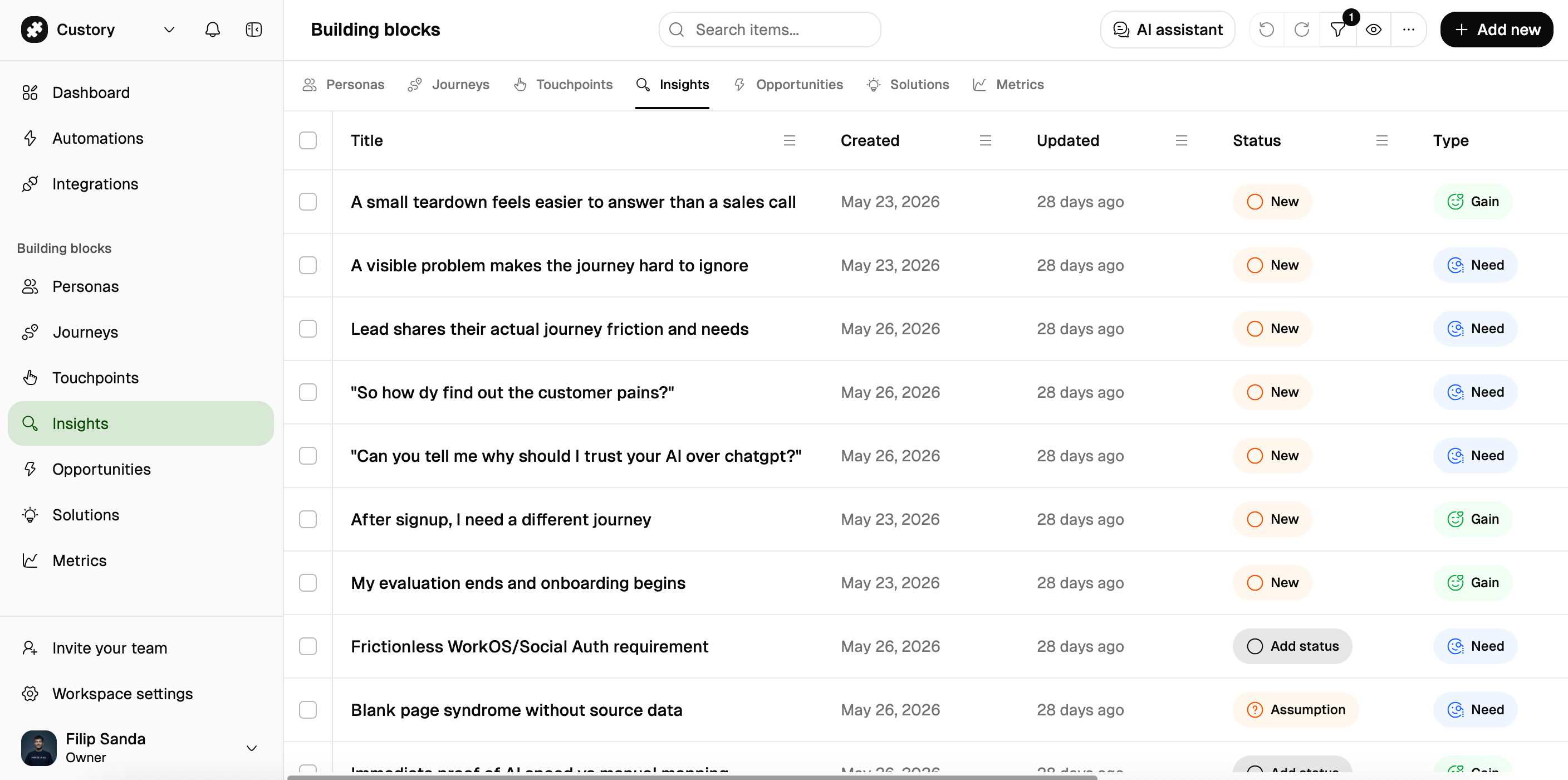
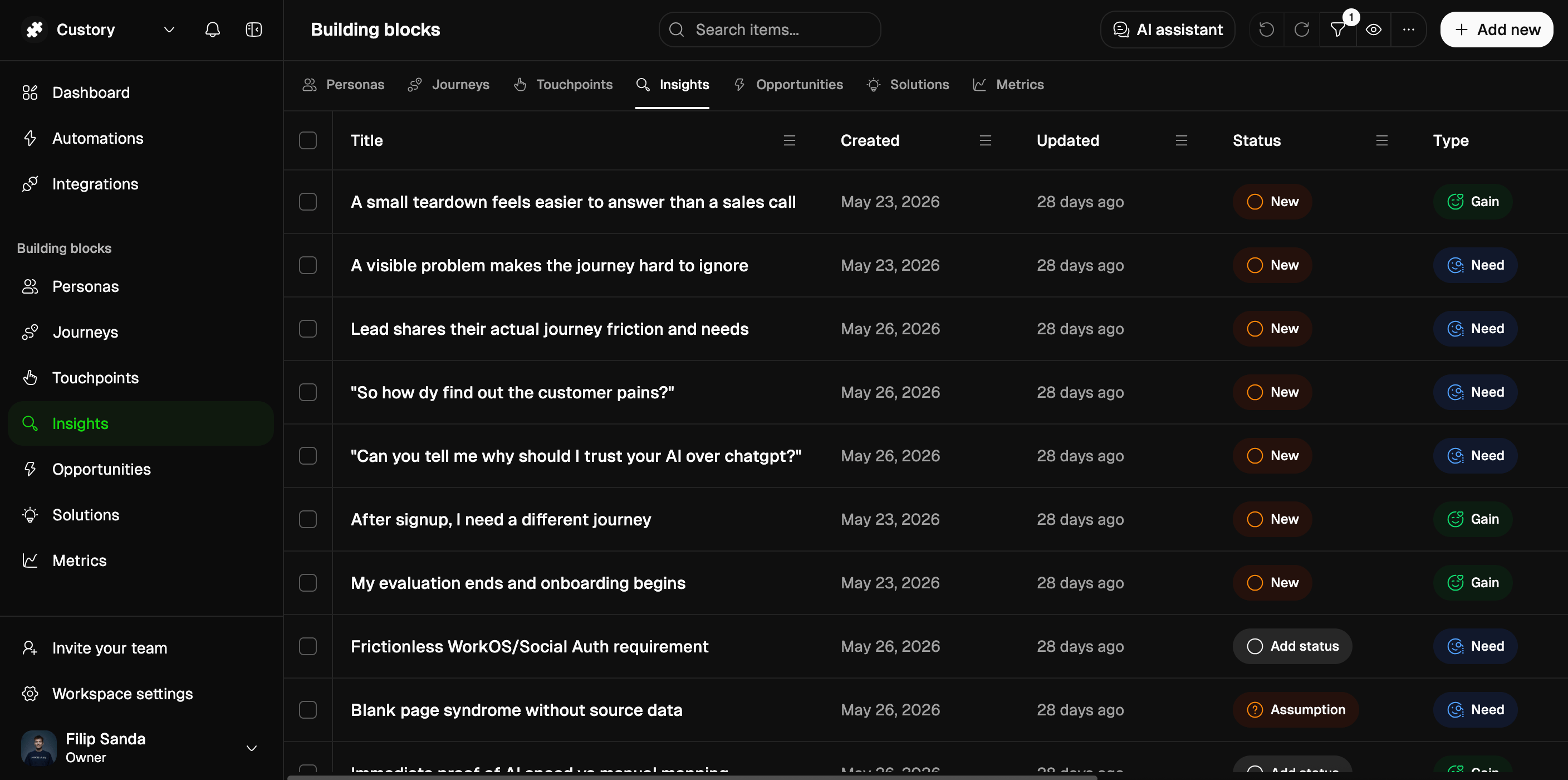
What this page helps you do
Use the Blocks repository when you need to:- keep one reusable item in a single place
- attach the same item to more than one journey
- update the shared record once and have the change show up everywhere it is used
- review the shared library before adding items to a journey
How it works
You create or open the reusable record in the repository, then attach it to the journeys that need it. The key idea is simple: the repository keeps the source record, and each journey gets a placement that points back to it.When to use it
Move an item into the Blocks repository when:- the same touchpoint appears in more than one journey
- the same insight keeps showing up in different flows
- one solution or metric should stay consistent across journeys
- the team needs one stable record instead of several copies
Common actions
Example
Your team seesWorkspace invite email in onboarding and in trial-to-paid.
Instead of creating two separate items, you keep one record in the Blocks repository and attach it to both journeys. If the copy changes, you update one record and both maps stay aligned.
What good looks like
A good repository setup usually has:- one source record for each shared item
- obvious naming so the same item is easy to find again
- few duplicates
- journeys that point back to the canonical record instead of drifting apart